
Screen recording for demos, bugs, and updates
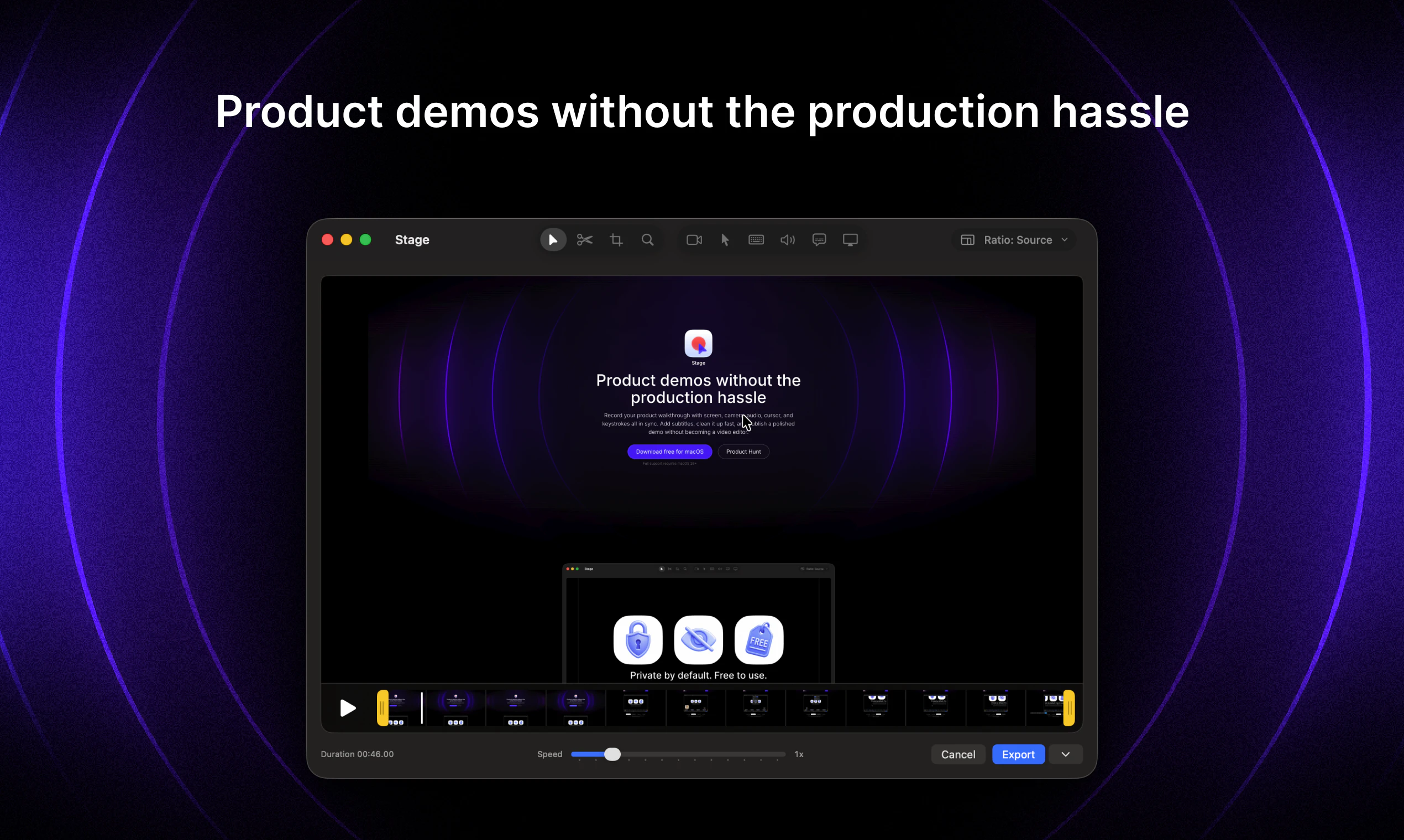
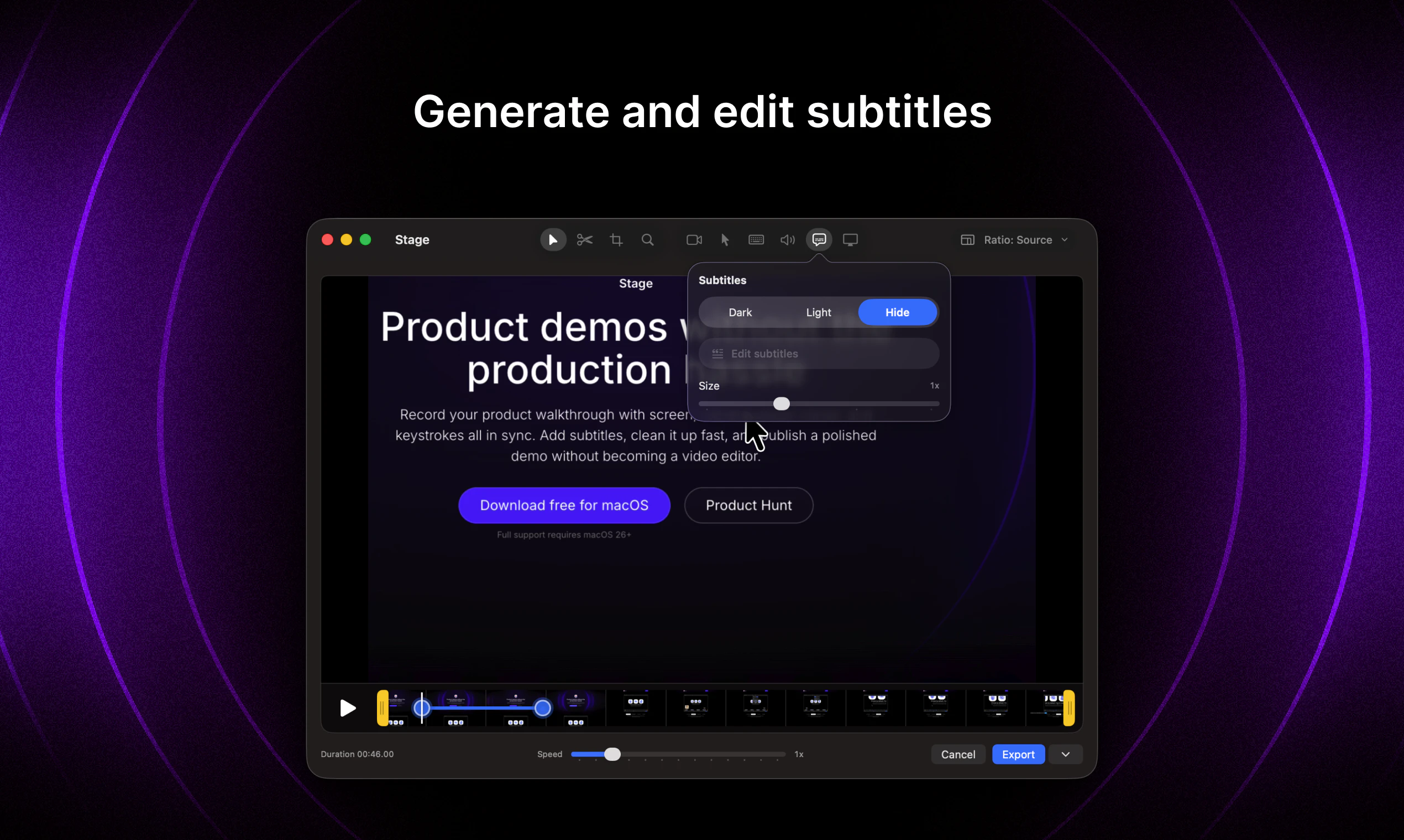
Record your product walkthrough with screen, camera, audio, cursor, and keystrokes all in sync. Add subtitles, clean it up fast, and publish a polished demo without becoming a video editor.
Screenshot 1
Screenshot 2
Screenshot 3
Screenshot 4
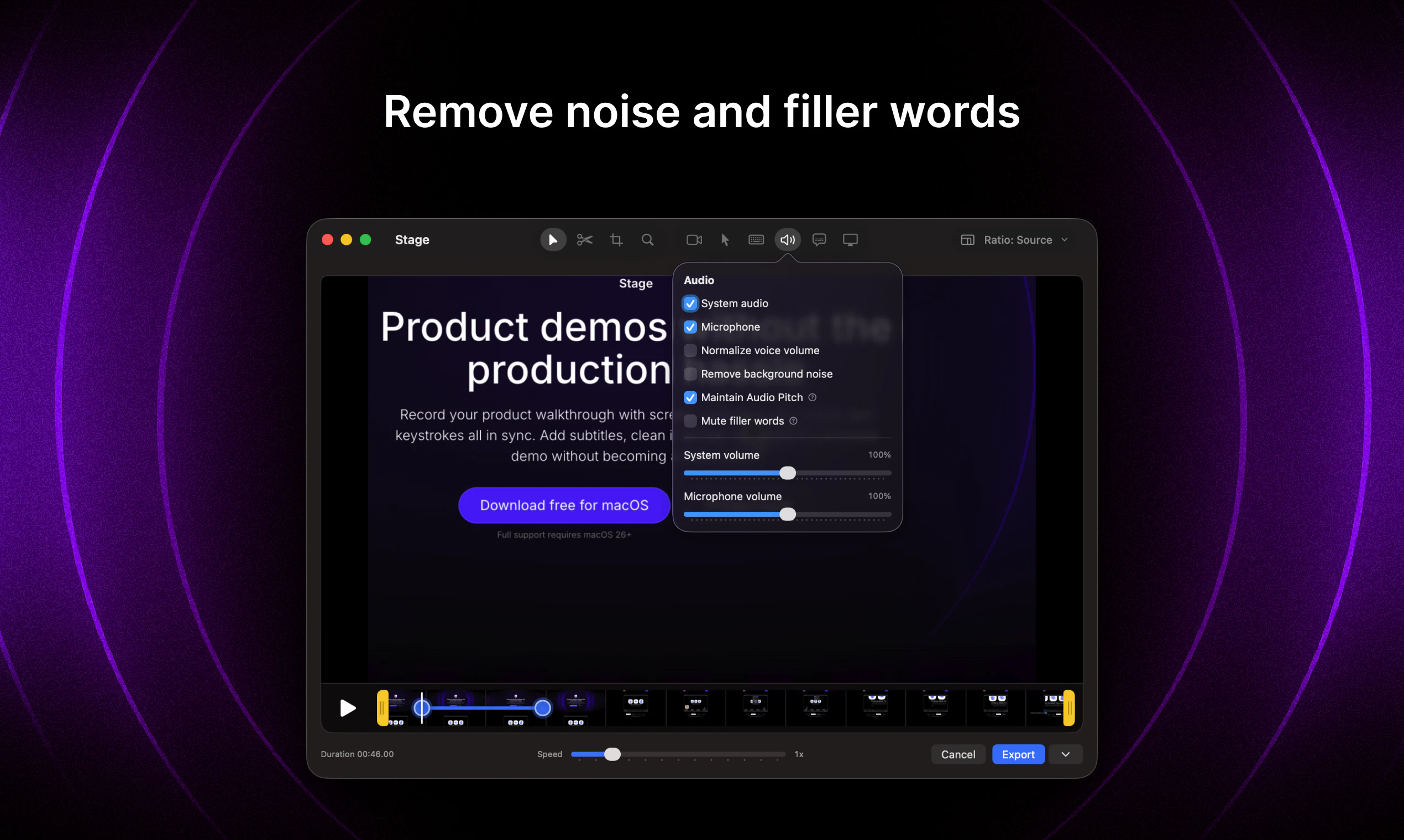
Screenshot 5
Sign in to your GMA account to leave a review and help others.
GMA Community
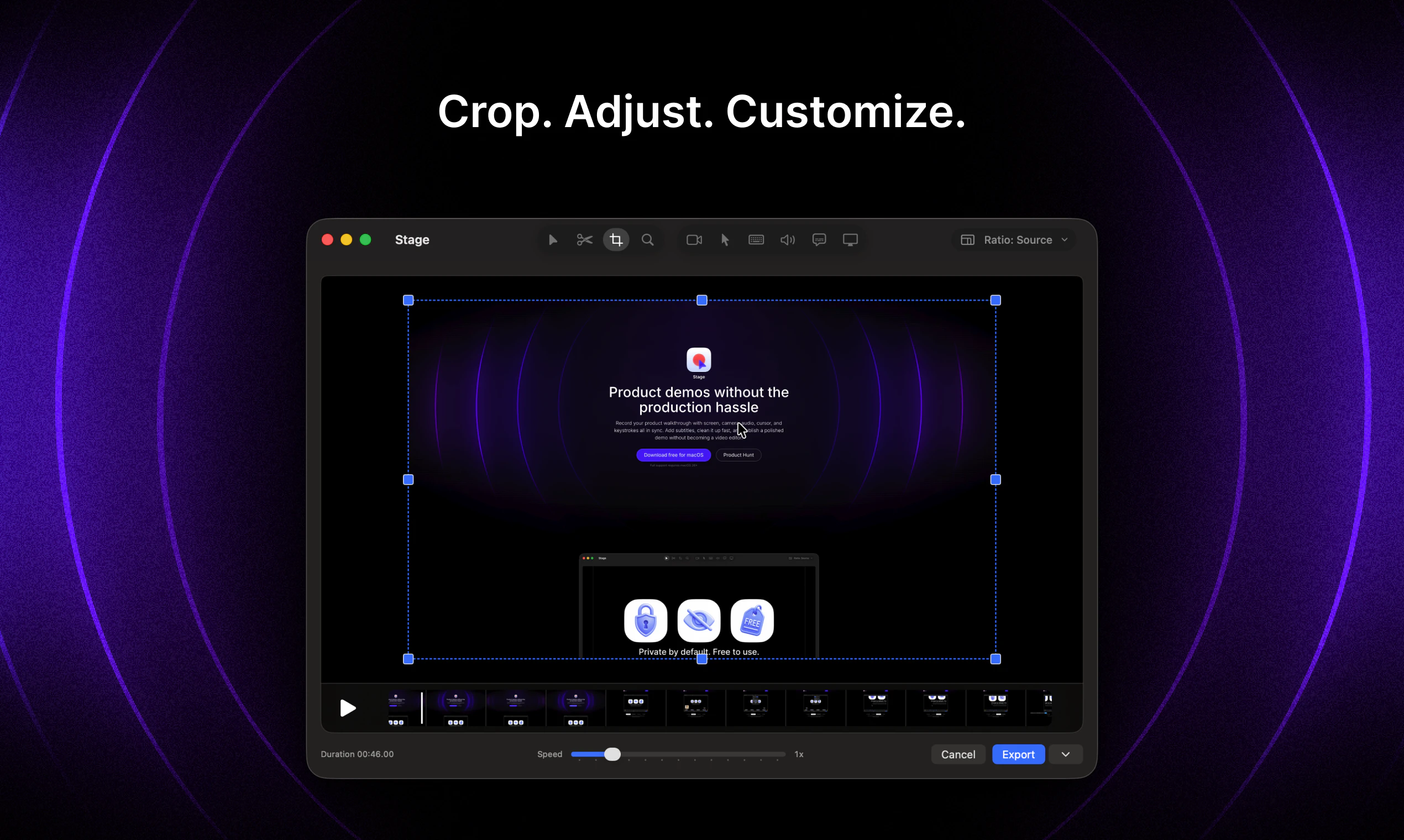
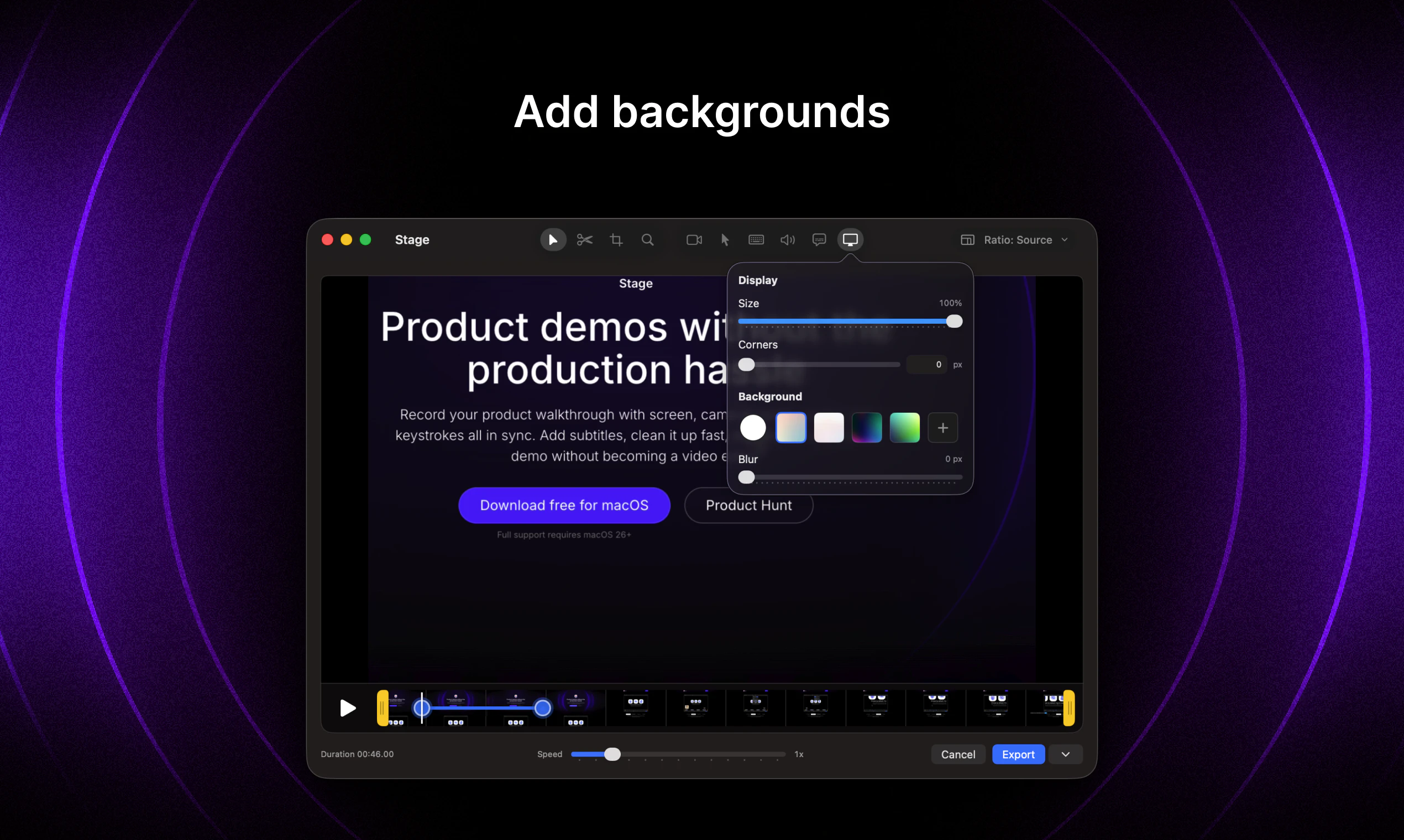
"Hey Product Hunt! I’m Aleksei, maker of Stage. I built Stage because creating a polished product demo still feels way harder than it should. Most screen recorders are either too basic, too heavy, too expensive, or they turn a simple walkthrough into a video editing project. Stage is a free macOS app for recording product demos. After recording, you can clean things up: add subtitles, adjust the webcam, customize or hide the cursor, show keystrokes, and add a background. I would love feedback from founders, designers, PMs, engineers, and anyone who records product walkthroughs."
GMA Community
"@kipin I absolutely loved it! I was searching for an editor to record a demo video and found it at the perfect time. The only downside was that I had to upgrade to the latest macOS version to use it, but it was worth it. Overall, everything worked really well. I do have a few suggestions that could make the experience even better:The zoom/scale points were a bit difficult to edit. When I tried to select a scale point, I often ended up selecting the playhead/progress indicator instead.It would be great to have the ability to drag and reposition the zoomed/scaled video. When scaling toward a corner, parts of the video can get clipped, and being able to adjust the position would help a lot.An undo/redo feature would be incredibly useful. I accidentally deleted several scale points that took quite a few attempts to set up 😅.It would also be nice to have an option to add background audio when the recording itself doesn't contain any audio.These are all relatively minor points, and I’m sharing them because I genuinely enjoyed using the app and think it has a lot of potential. Great work, mate! 🙌"
GMA Community
"Awesome product!"
GMA Community
"The “polished demo without becoming a video editor” framing is strong. For founders and PMs, the time sink is often not only cleanup; it is deciding what the viewer should notice and why it matters.One feature direction I’d love to see in tools like this is lightweight intent markers while recording: bug, decision point, customer-facing benefit, setup step, gotcha. Even if those just become editable chapter labels later, they would help a raw walkthrough turn into a useful demo or handoff without forcing the maker to reconstruct the story after the recording."
GMA Community
"Loved the product, i haven't played with bg yet but having animated bg would be cool for high production screen demos."
GMA Community
"Hey Aleksei, congratulations with the launch 👏The UI looks great and the app has many nice features!Does it support importing your own video for quick edits, e.g. adding manual zoom?"
GMA Community
"Love both the simplicity of the product and the fact that it solves the problem I have: making any type of the video would turn into the nightmare we so-so result. Thanks for launching this one @kipin :)"
GMA Community
"I hate how much time I waste turning raw recordings into decent demos. This tool seems to handle everything in one flow - synced recording, subtitles, quick cleanup.How fast is the editing process in practice? Can you usually get a polished video out in under 10 minutes?"
GMA Community
"Does it have auto zoom ?"
