
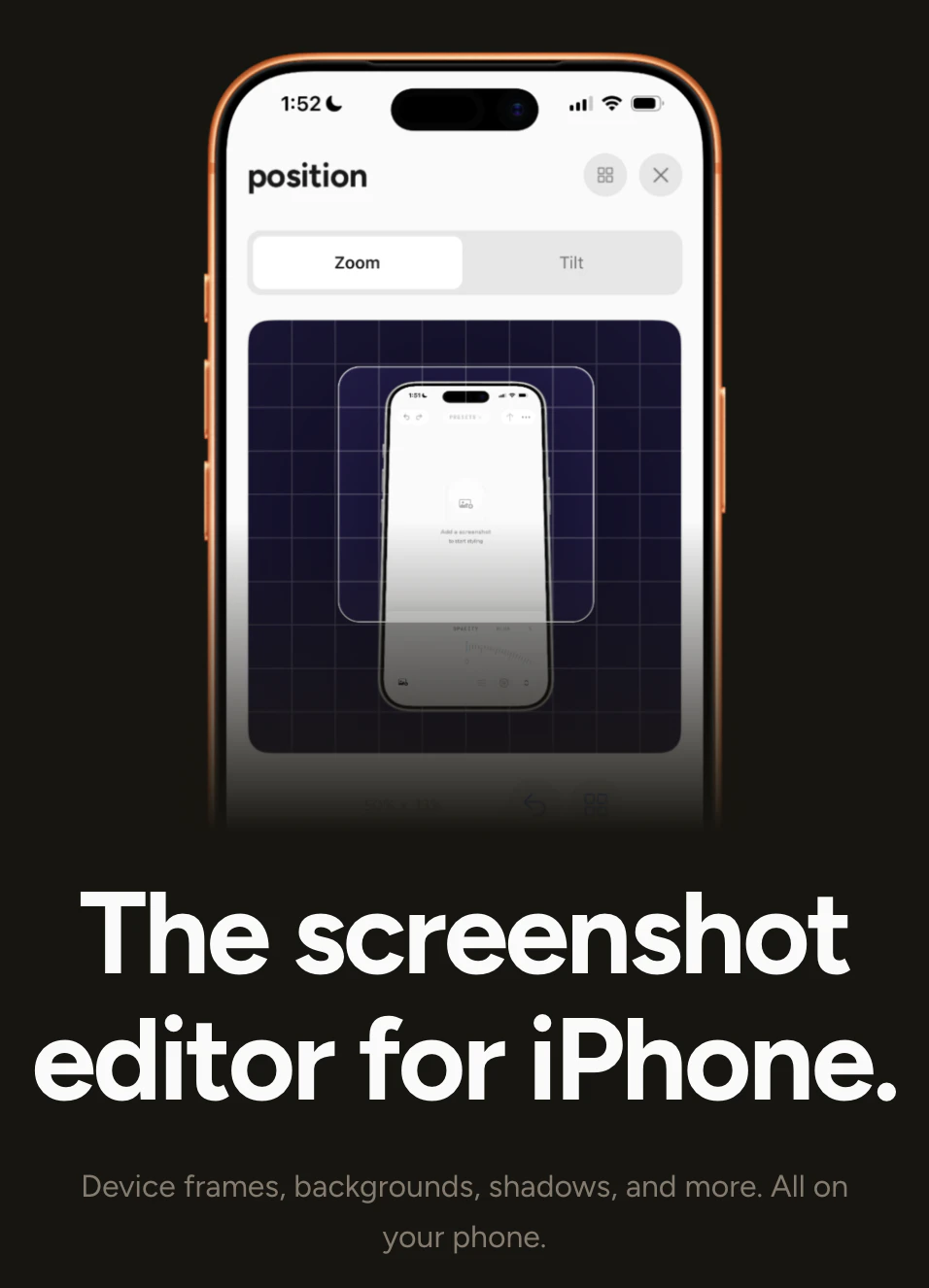
The screenshot editor for iPhone.
Shotwell adds device frames, backgrounds, and shadows to iPhone screenshots natively on your phone. For developers, designers, and indie makers who share work online.
Screenshot 1
Screenshot 2
Screenshot 3
Screenshot 4
Screenshot 5
Sign in to your GMA account to leave a review and help others.
GMA Community
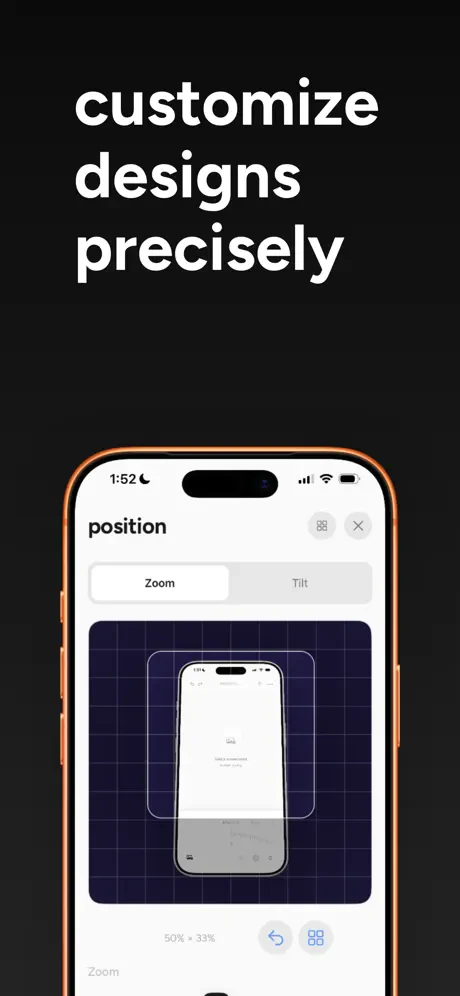
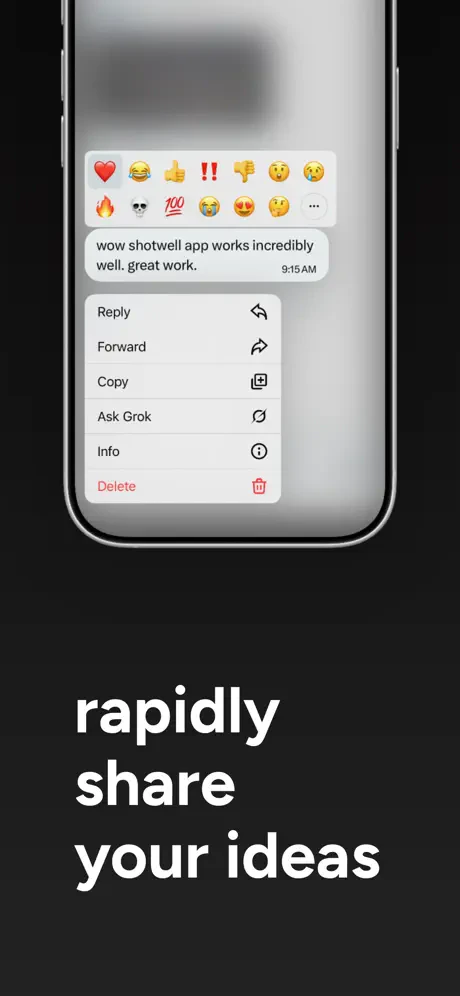
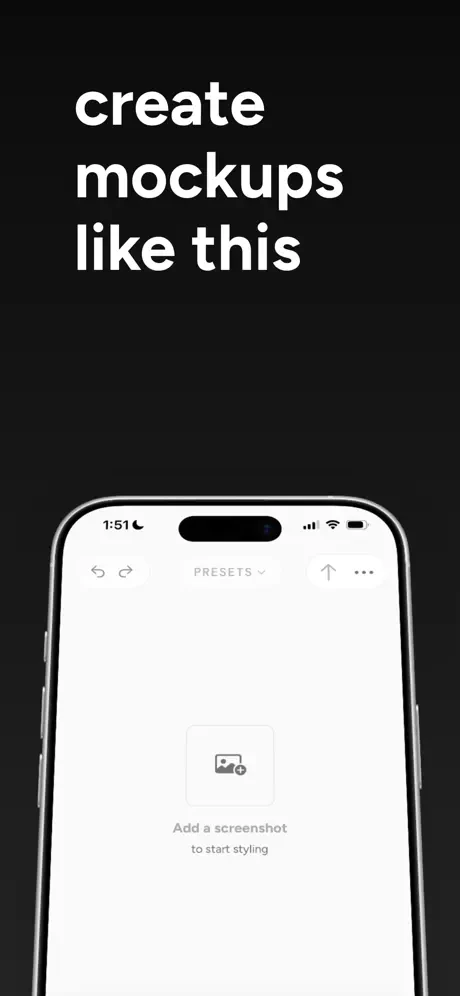
"Shotwell caught my eye because it solves a problem I didn't realise was annoying me until I stopped doing it.It's a native iPhone app that adds device frames, backgrounds, shadows, and clean layouts to your screenshots directly on your phone.The gap it fills: polishing a screenshot for sharing usually means airdropping it to a Mac, opening a design tool, doing the framing, exporting, and sending it back. That round trip adds friction every single time.Shotwell removes the round trip entirely. Import a screenshot, style it, export. That's the whole loop, on device.What makes it different is that it's built natively for iPhone, not a mobile wrapper around a web tool. The editing is focused and intentional, not a stripped-down version of something bigger.Key features:Device frames for clean product presentationBackground, shadow, and stroke controlsAdjustable padding, roundness, and inset via the Tune menuPresets to save and reapply your preferred lookExport, copy, or share in one actionBuilt for developers sharing app updates, designers documenting UI work, and indie makers who post screenshots regularly and want them to look intentional.P.S. I hunt the latest and greatest launches in tech, SaaS and AI, follow to be notified → @rohanrecommends"
GMA Community
"I was doing the same thing, but it’s not easy to discover opportunities like this, I always just stick to the way I've been doing things. In that sense, it would be great if, like on Android, you could edit immediately after taking a screenshot. This app seems to meet that need perfectly."
GMA Community
"native on-device is the right call - nobody wants to upload screenshots to a web tool. does it handle the dynamic island cutout automatically or is that manual?"
GMA Community
"This is super useful! Does it support screen recordings?"
GMA Community
"Cool launch! The defaults look super clean. Any thoughts on letting users save their own custom background/shadow presets for a consistent brand look?"
GMA Community
"Hey, looks really nice! I am creating a device mockup tool myself and this is cool! Can you use a custom background?"
GMA Community
"Nice work! As a solo app founder, I need better screenshots constantly. The frame + shadow feature is exactly what I've been doing manually in Canva. Going to try this for my App Store screenshots."
GMA Community
"Love the clean design! Will it support long screenshots?"
GMA Community
"native on-device is the right call - nobody wants to upload screenshots to a web tool. does it handle the dynamic island cutout automatically or is that manual?"
GMA Community
"I'm currently working on my product launch and can use exactly this but for android."
GMA Community
"This is exactly what I've been looking for — I'm about to launch my first iOS app and was dreading having to use a desktop tool just to make screenshots look presentable for the App Store and social.Does it support custom backgrounds or just presets?"
GMA Community
"The airdrop-to-Mac-to-Figma-to-export loop for polishing one screenshot is absurd and I've been doing it for years without questioning it. Having this directly on iPhone makes so much sense for quick app store screenshot updates or sharing progress on social. Do you support custom device frames or just the default iPhone ones?"
