
Modern screen recordings for Windows, made simple.
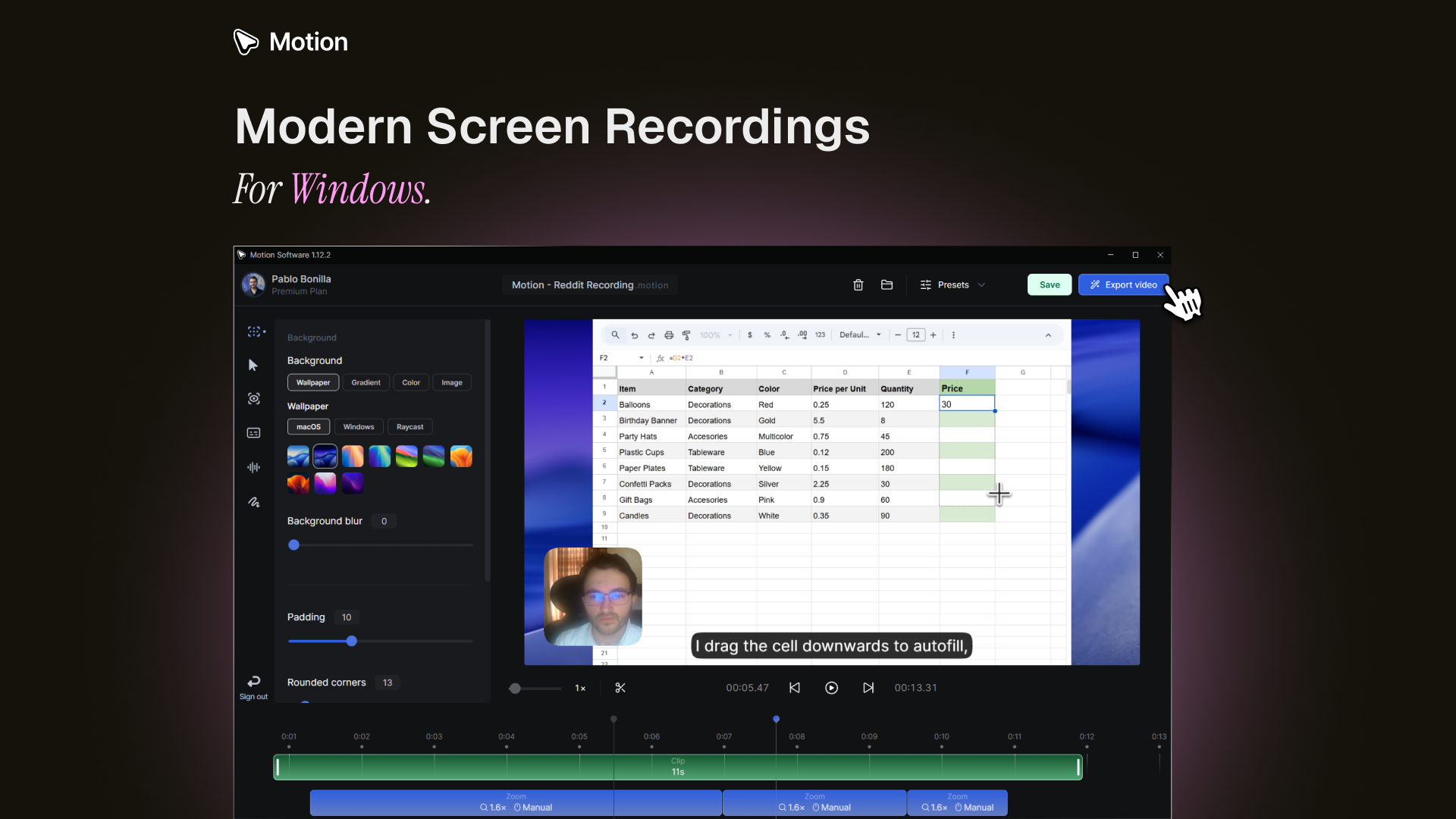
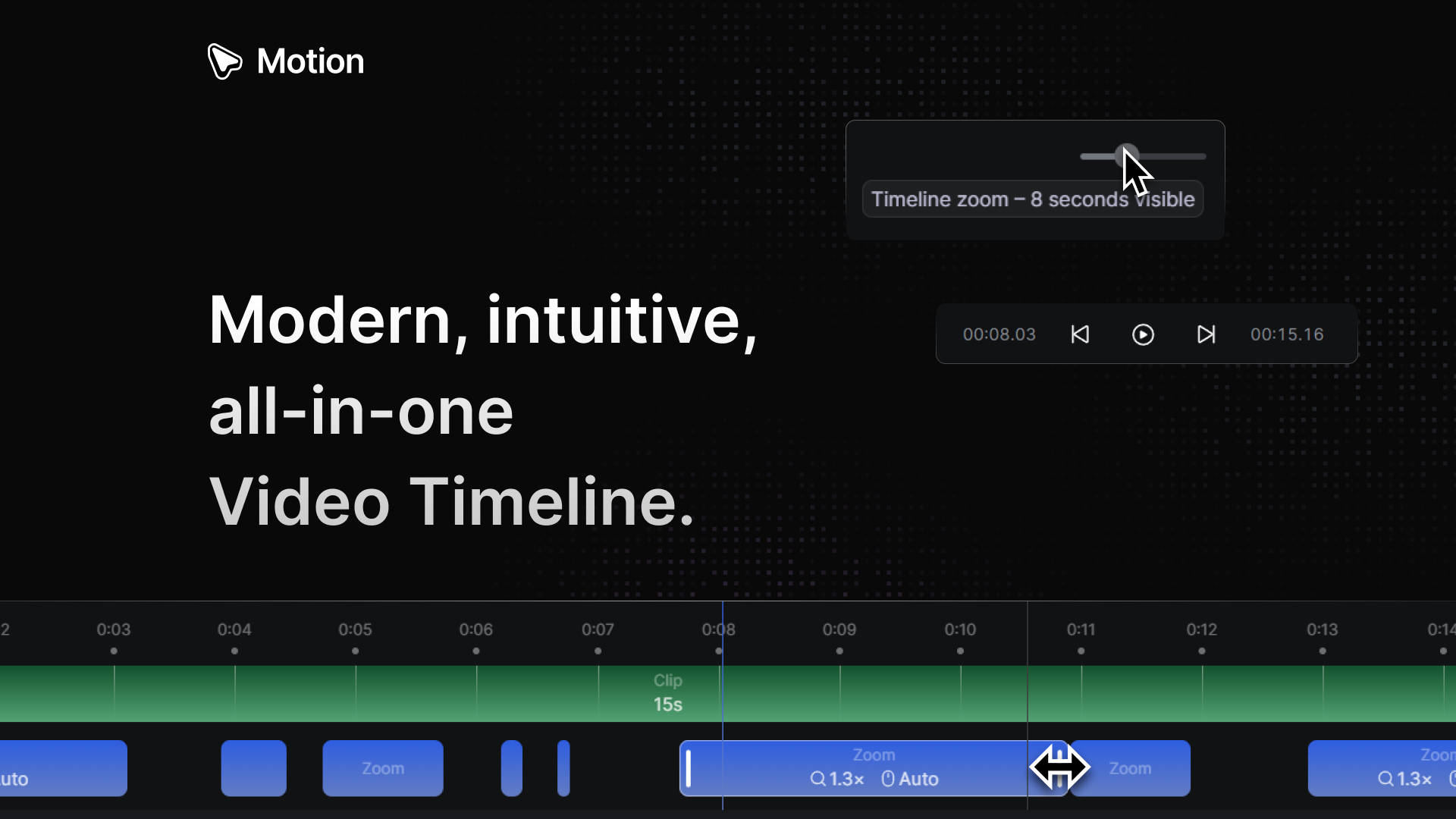
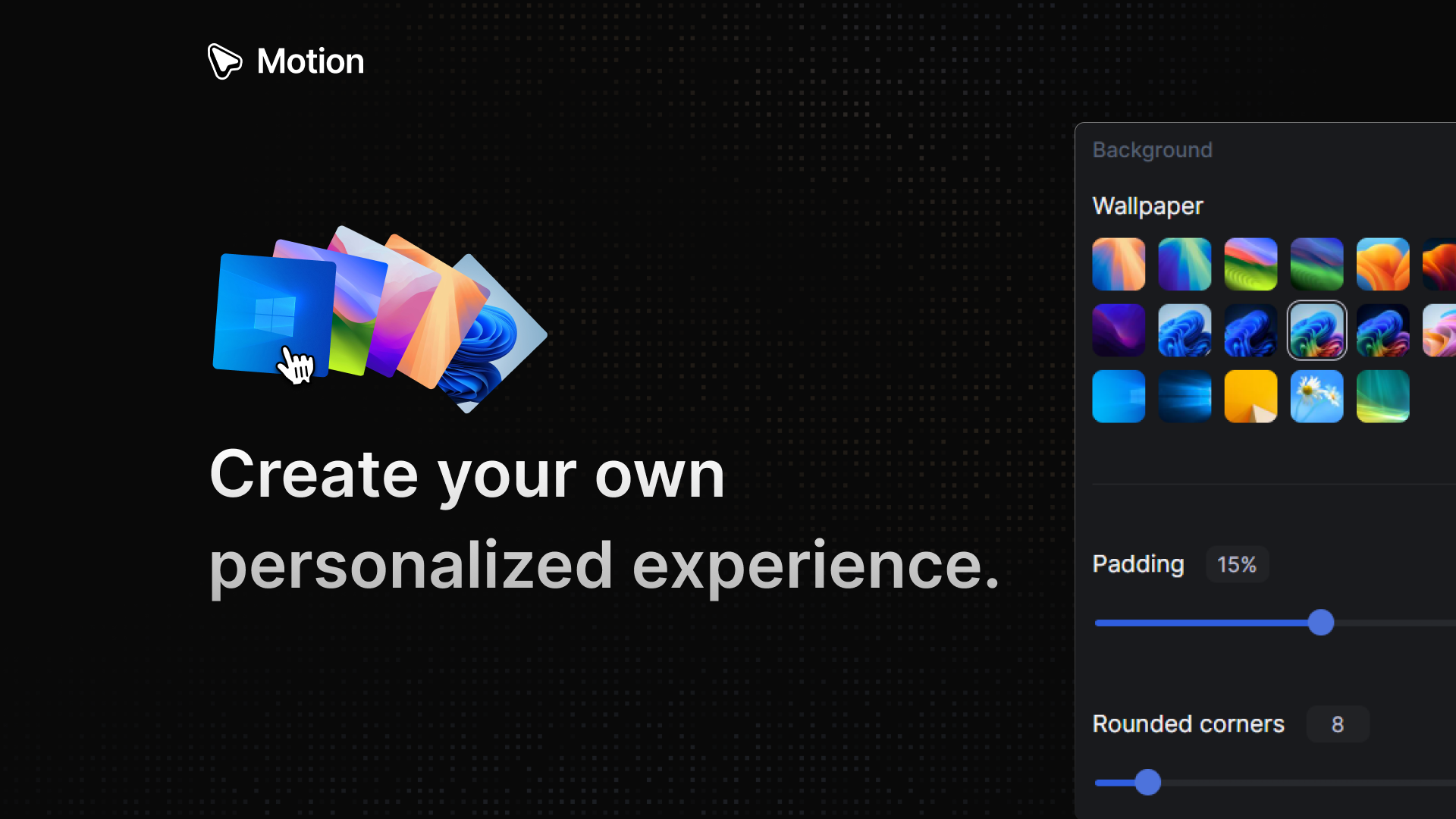
Motion processes your recording and creates a beautiful video that stands out. Capture your video, configure the animation as you like, and let Motion handle the animations.
Screenshot 1
Screenshot 2
Screenshot 3
Screenshot 4
Screenshot 5
Screenshot 6
Sign in to your GMA account to leave a review and help others.
GMA Community
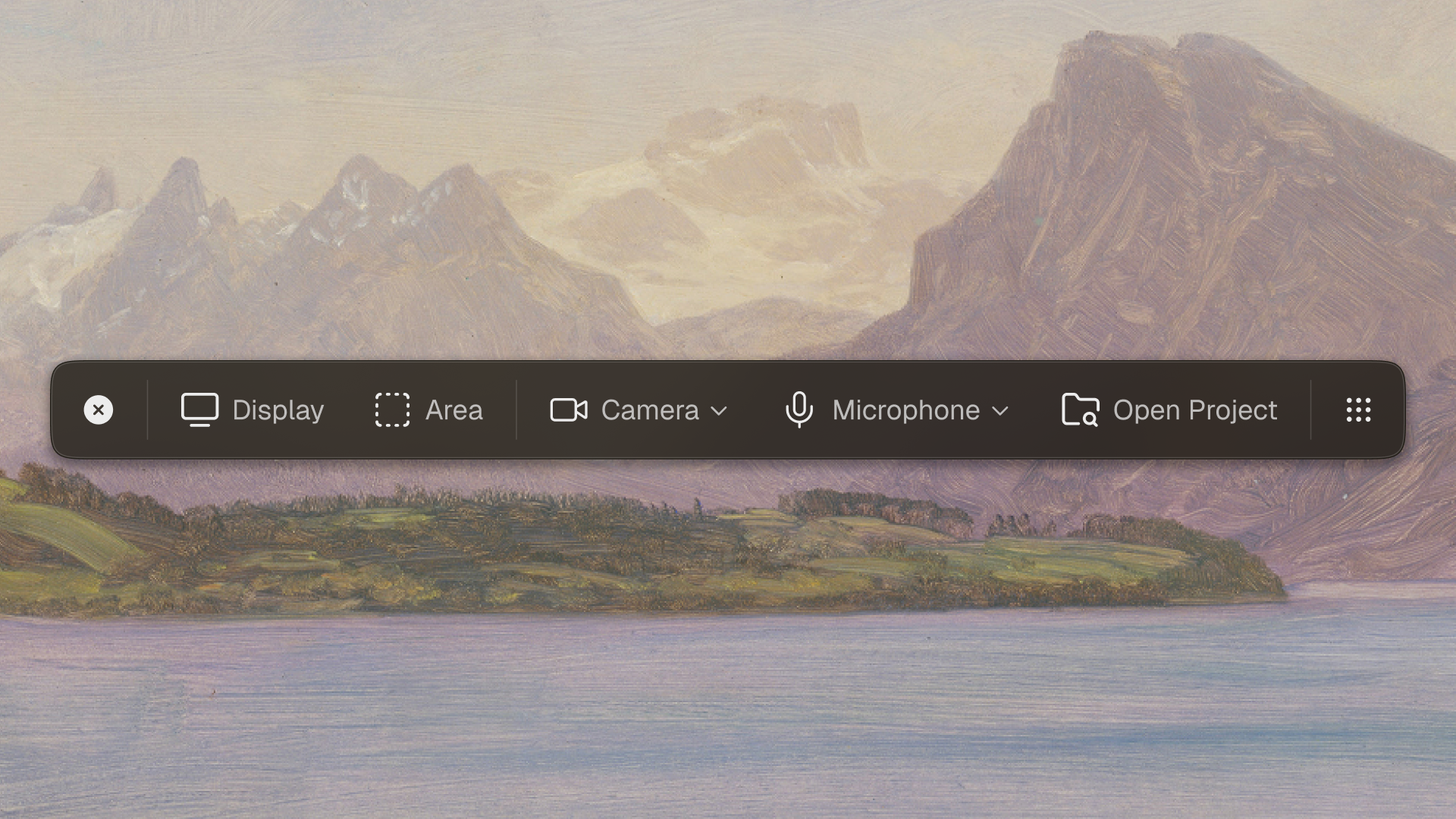
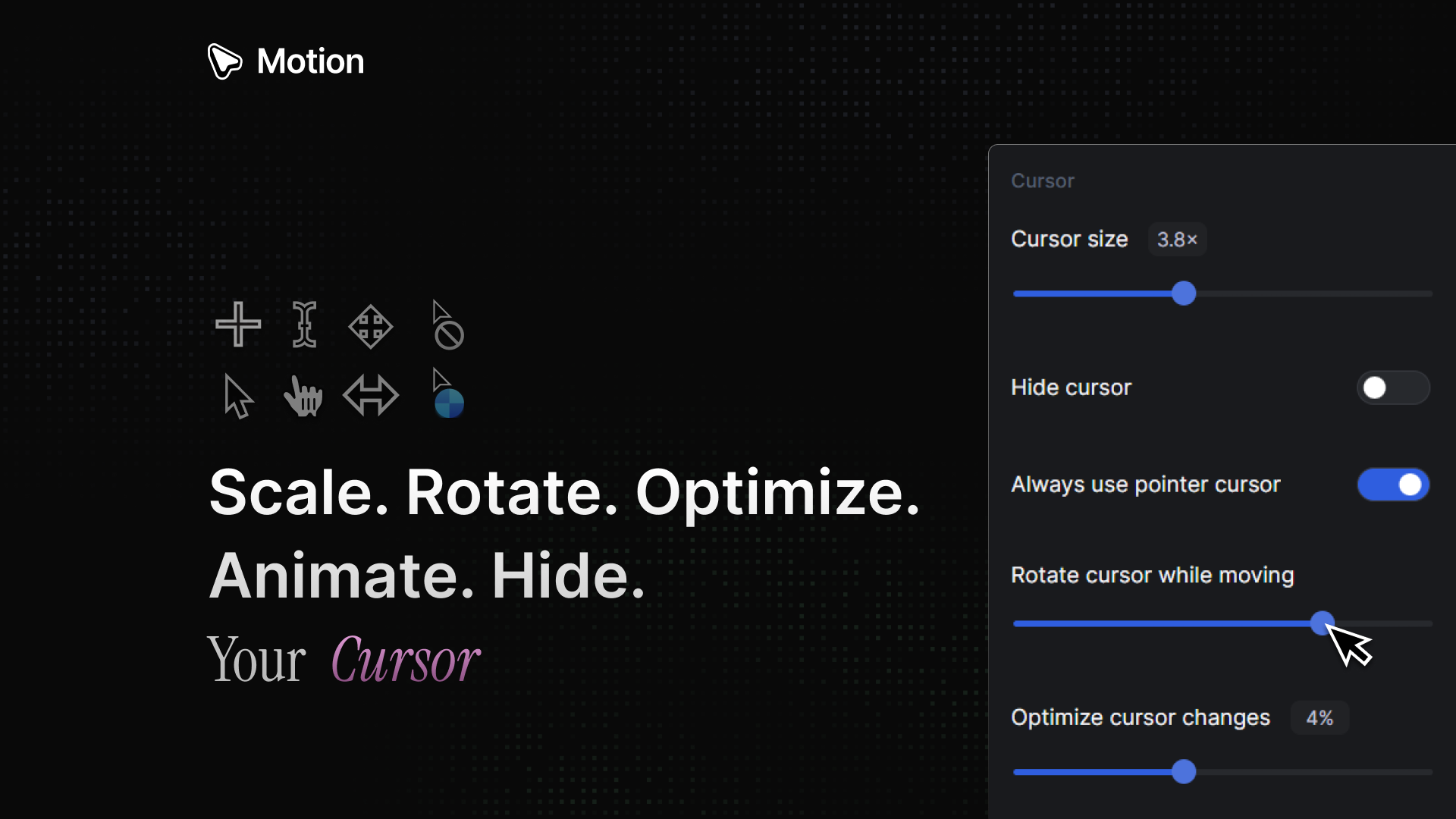
"Hey Product Hunt — I’m Pablo, founder of Motion Software. I'm very excited to announce version 1.12.0 which is our biggest update so far, includes: 🔥 Camera, Microphone, Captions! 📸 Camera: position, size, roundness, hide, mirror & size during zoom. 🎙️ Microphone: volume & mute. 🔤 Captions: language, AI model to use (base, small, medium), hide, size, transcript editor, delete transcript & export SRT. 🖱️ Smoother mouse movements & clicks. ⚙️ Better performance, & bug fixes! This update completely expands the horizon on what you can record &create with Motion. We focused on listening to the community's feedback & iterating on it. I truly hope you enjoy it, and as always please feel free to share your feedback. https://www.motion.software/ Thank you for supporting Motion. — Pablo"
GMA Community
"Great work! Great to see this live. I’m currently prepping the launch for my own project, and the 'Camera + Captions' combo in this update is a game-changer. Keep it up!"
GMA Community
"Congrats on the launch!The design looks amazing!Yesterday I was recording a video for LiveDemo,And the two features that I needed which really made the difference between choosing a recording softwareWere the already pre-selected background music choices and the custom camera layouts.Ended with screenstudio, but would have definetely picked something else if it had these features.Wondering what features are you thinking of adding next?"
GMA Community
"The auto zoom-ins and mouse smoothing are the kind of details that turn a raw screen recording into something you'd actually put on a landing page. Most recording tools give you the footage but the post-production to make it presentable is a whole separate workflow.Any plans to add export presets optimized for specific platforms? Something like a one-click "PH gallery" format (1270x760) or "App Store preview" would save a lot of manual resizing for indie devs prepping launches."
GMA Community
"The UI in the demo looks incredibly clean. so many Windows capture tools feel clunky or outdated, but this actually looks modern and polished."
GMA Community
"It is so nice to finally see a modern screen recording tool built natively for Windows instead of just macOS. Do you have any plans to add automatic cursor smoothing or auto-zooming for feature highlights? That would make this the absolute perfect tool for recording quick devlogs or build-in-public updates."
GMA Community
"Looks pretty handy Pablo, and best of luck with the launch!"
GMA Community
"Hey Pablo! It's ideal for product demos like some of my portfolio. I'll take it a look cause I feel it's gonna help me a lot, and of course, I'll back with deeper feedback"
GMA Community
"Nice launch, congrats!"
GMA Community
"Windows has been underserved for polished screen recording tools — most of the best options are Mac-only, so filling this gap with automatic mouse smoothing and zoom-ins is a real differentiator. Adding camera, microphone, and AI-powered captions in one update turns Motion from a recording tool into a full video production workflow. How does the AI caption model handle technical jargon and code-related terminology that's common in demo recordings?"
GMA Community
"Nice work! The interface looks really smooth. I'm also launching a small productivity tool today on Product Hunt, so it's fun seeing other makers building cool things here. How long did it take you to build the first version?"
