
Stop copy-pasting AI content. Schedule to any platform.
You create content in ChatGPT, Claude, or any AI tool. Then the grind begins. Copy. Paste. Reformat. Switch tabs. Log in. Repeat. Stop grinding. Just Flick It. Connect your platforms once and schedule AI content directly. No copy-pasting. No switching tabs. No separate logins. Just Flick It and it is scheduled. WordPress + LinkedIn today. More platforms soon. Free to start.
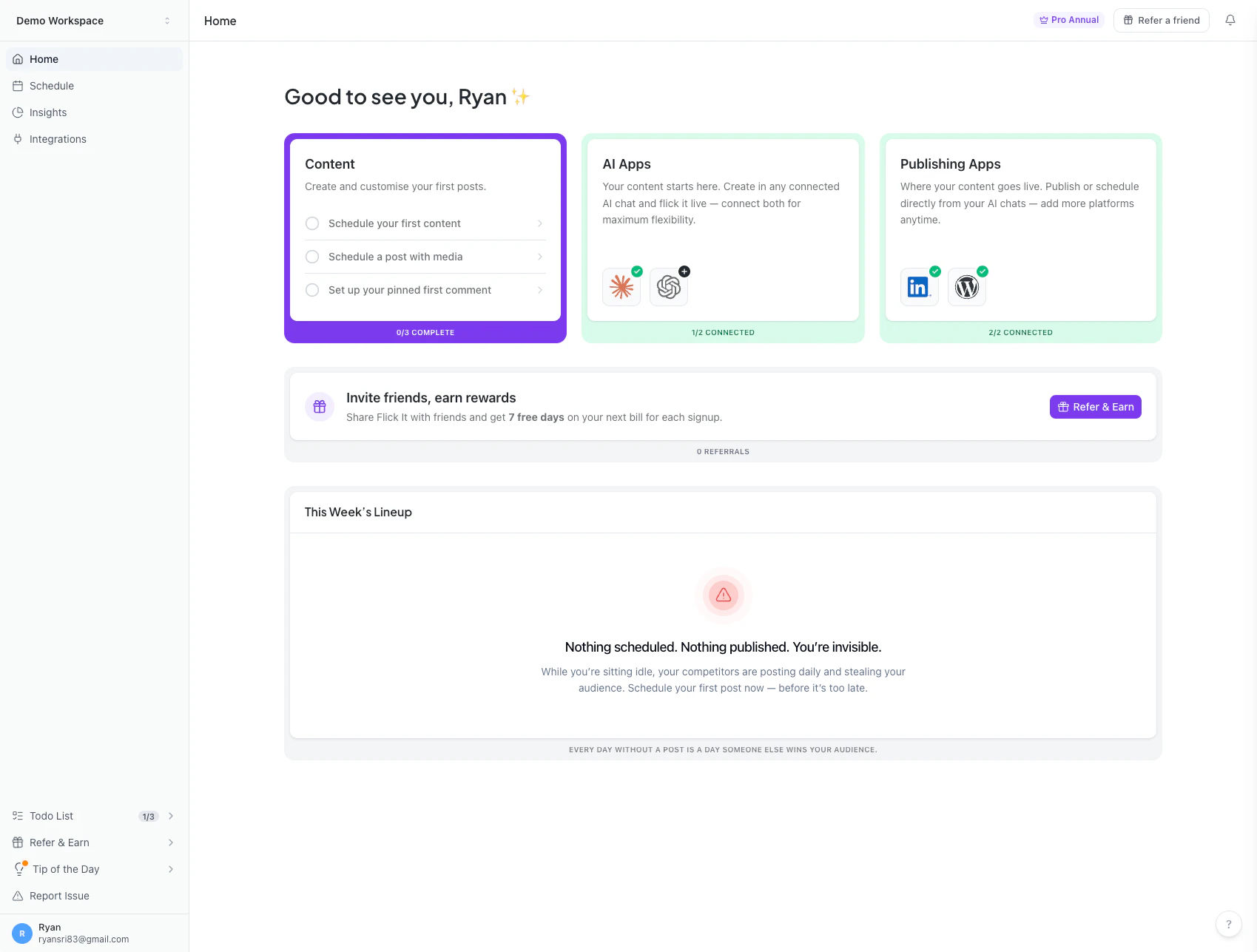
Screenshot 1
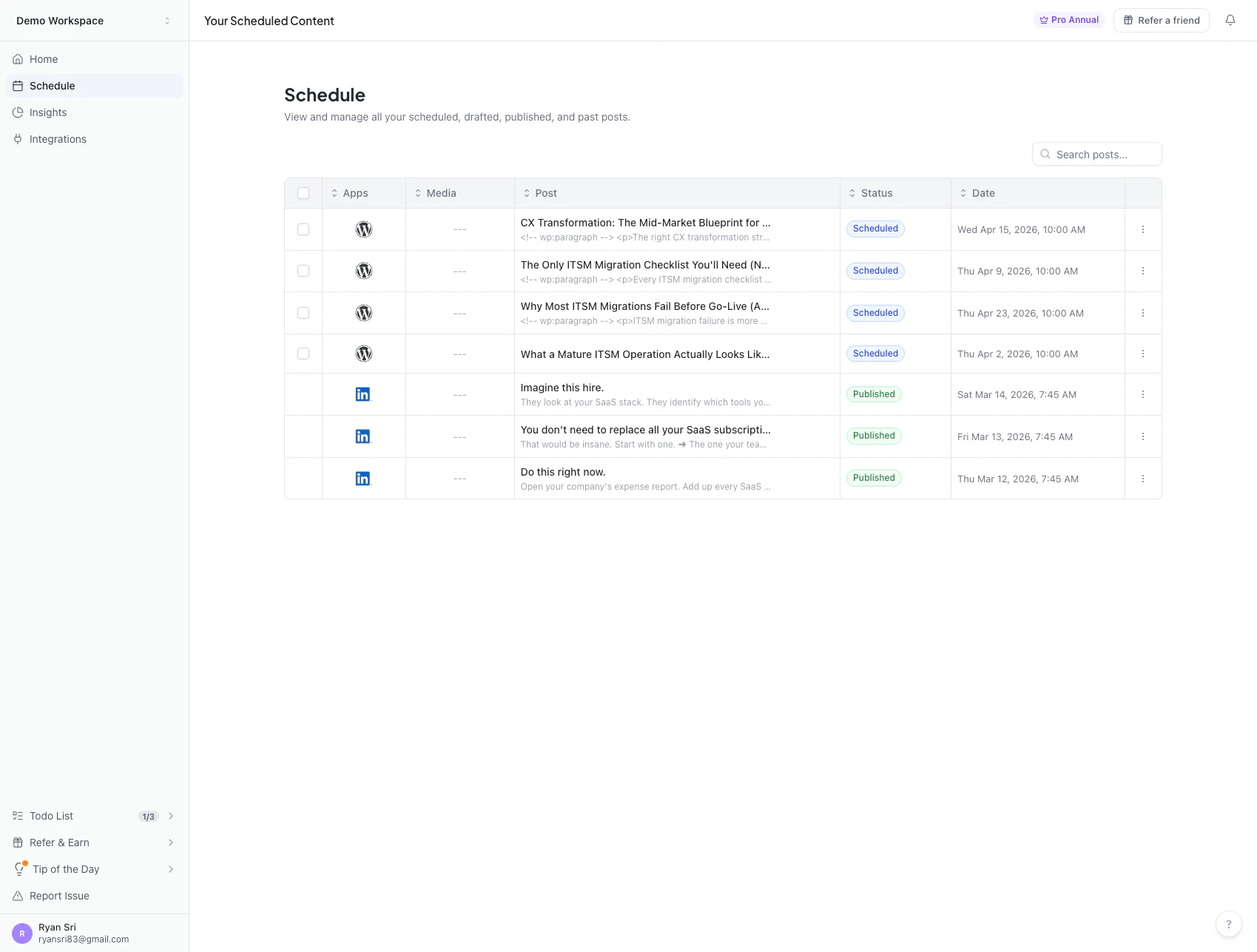
Screenshot 2
Sign in to your GMA account to leave a review and help others.
GMA Community
"Hey Product Hunt! I'm Ryan, the maker of Flick It. Like most of you, I use ChatGPT and Claude every day to create content. The AI part is great. But what happens after? That is where things get annoying. ➜ Copy the output. ➜ Open WordPress. ➜ Paste. Format. Publish. ➜ Switch to another tab. ➜ Open LinkedIn. ➜ Paste again. Reformat. Schedule. ➜ Do the same thing tomorrow. ➜ And the day after. I was spending more time copy-pasting and switching between tabs than actually creating anything. AI solved the hard part, which is writing. But nobody solved the boring part, which is getting it published everywhere. So I built Flick It. Create your content in whatever AI tool you like. Then just Flick It. Your content gets scheduled directly to WordPress and LinkedIn. No copy-pasting. No switching tabs. No logging into each platform one by one. Just Flick It and it is scheduled. Here is where we are right now: 👉 Works with ChatGPT and Claude 👉 Publishes to WordPress and LinkedIn 👉 More AI tools and platforms coming soon 👉 Free to start I would love to hear what you think. And one question for this community: which platform should we add next? Drop it in the comments. Your vote will literally shape our roadmap."
